

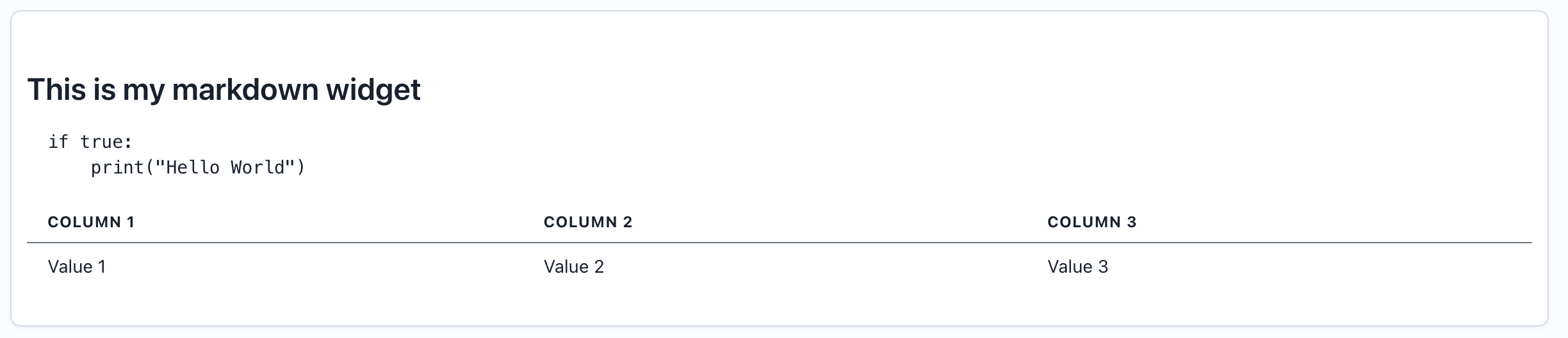
When to Use
Use markdown widgets to:- Document evaluation methodology
- Provide context for dashboard viewers
- Add instructions or guidelines
- Include links to related resources
- Create formatted notes and observations
- Define thresholds and alert criteria
- Credit data sources and team members
Configuration
Required Fields
string
required
Widget title for reference (not displayed in rendered output)
string
required
Must be set to “markdown”
string
required
Markdown-formatted text to display
Supported Markdown Syntax
Markdown widgets support standard CommonMark syntax:- Headers:
# H1,## H2,### H3 - Bold:
**bold text** - Italic:
*italic text* - Lists: Bulleted (
- item) and numbered (1. item) - Links:
[text](url) - Code: Inline
`code`and fenced code blocks - Blockquotes:
> quote - Horizontal rules:
--- - Tables: Standard markdown tables
Creating in the UI
1
Open Widget Creator
From your dashboard, click “Add Widget” and select “Markdown”
2
Enter Title
Give your widget a reference name (e.g., “Dashboard Overview”)
3
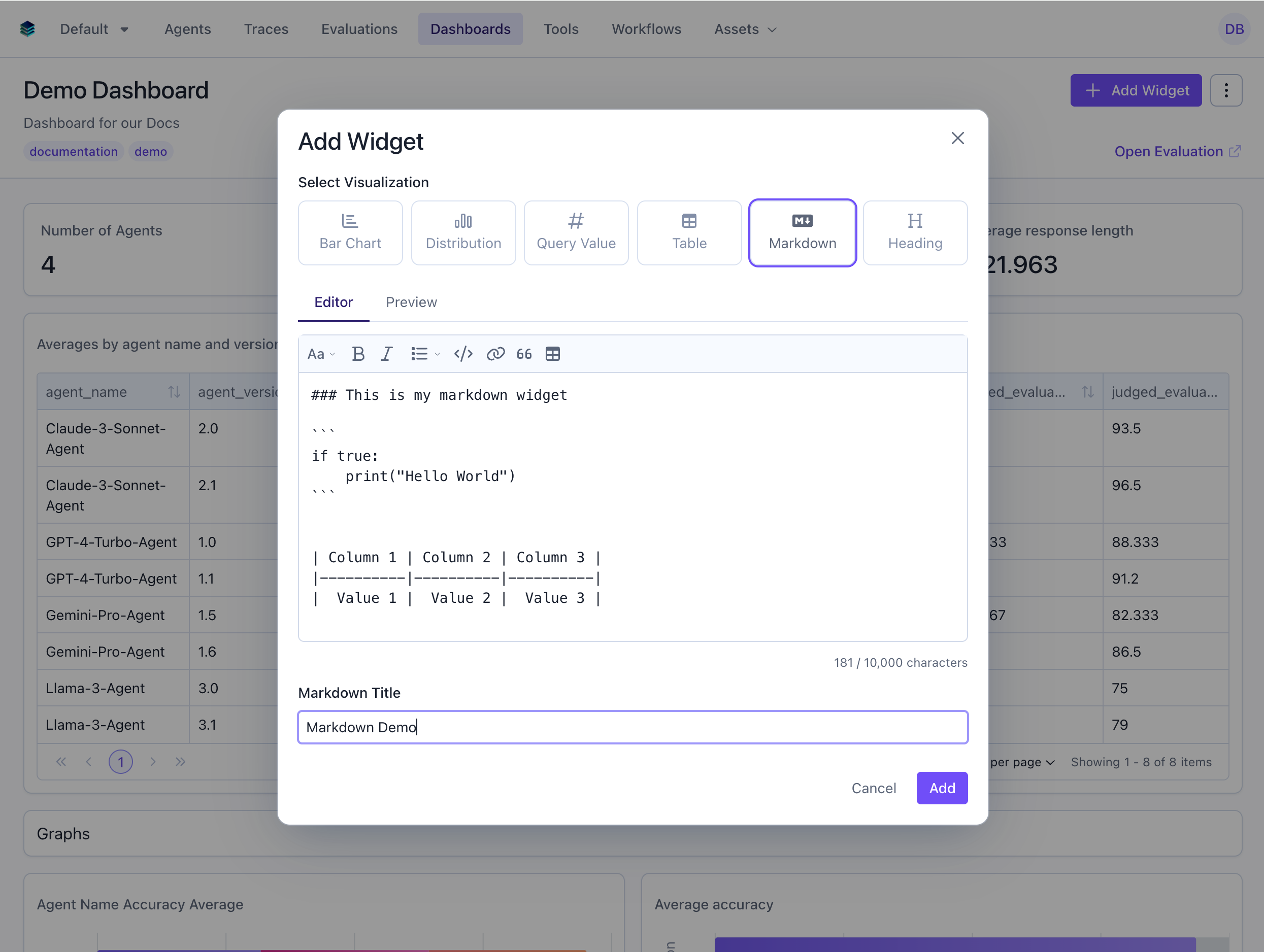
Write Content
4
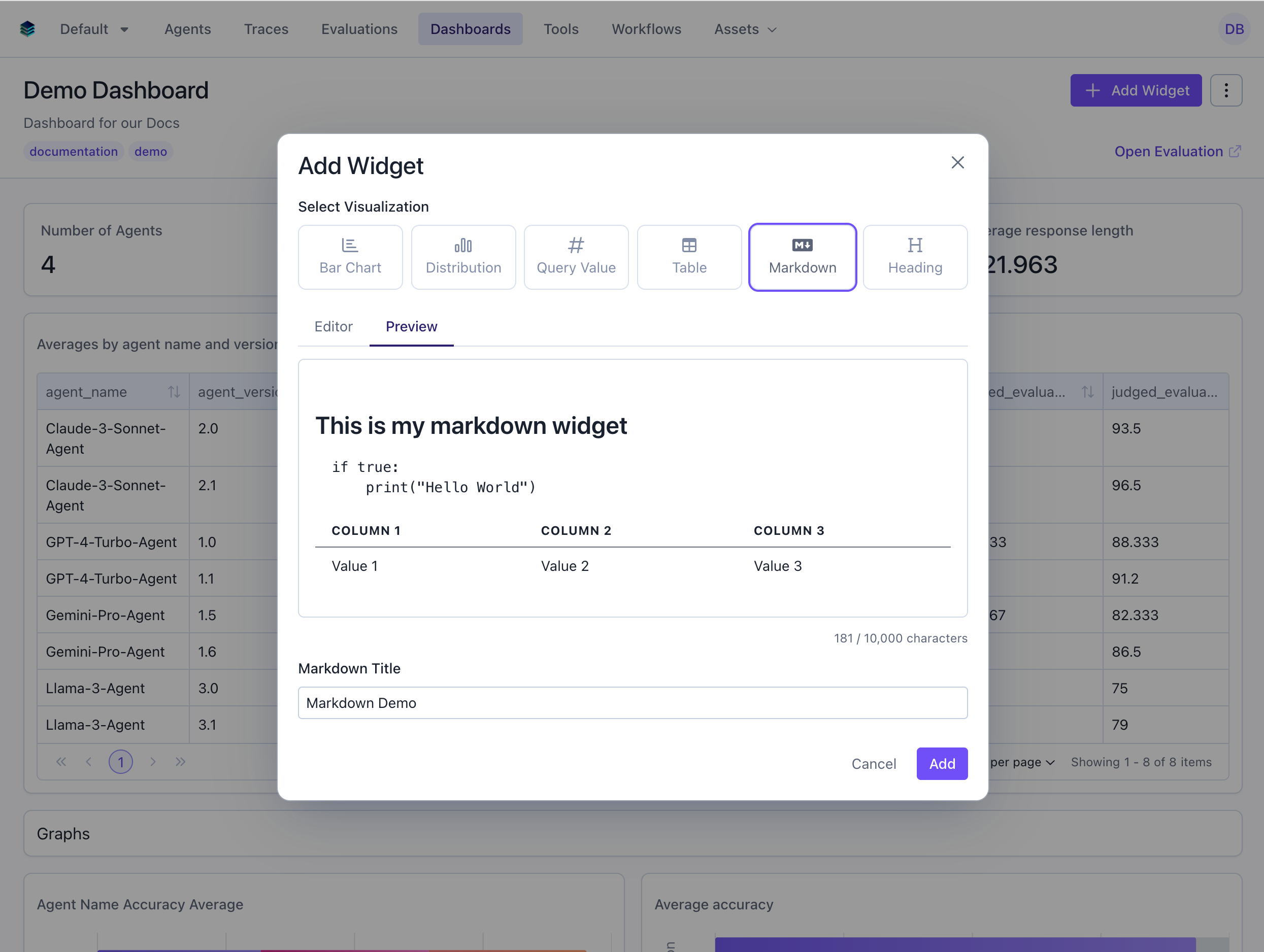
Preview
5
Create Widget
Click “Add” to add to your dashboard
Related Documentation
- Heading Widget - For simple section headers
- All Widget Types - Compare widget types
- Getting Started - Dashboard creation workflow
- API Reference - Programmatic markdown widget creation