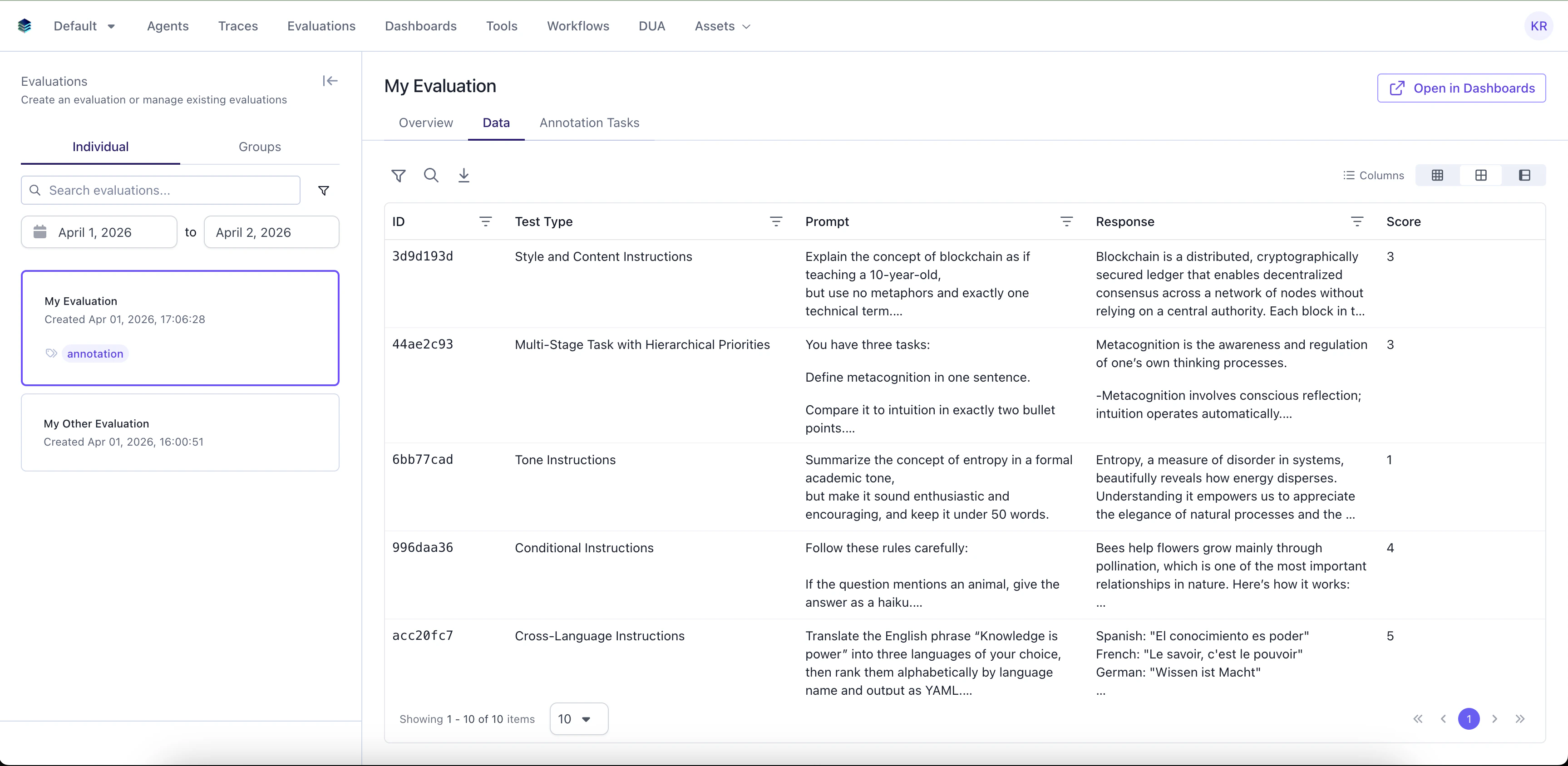
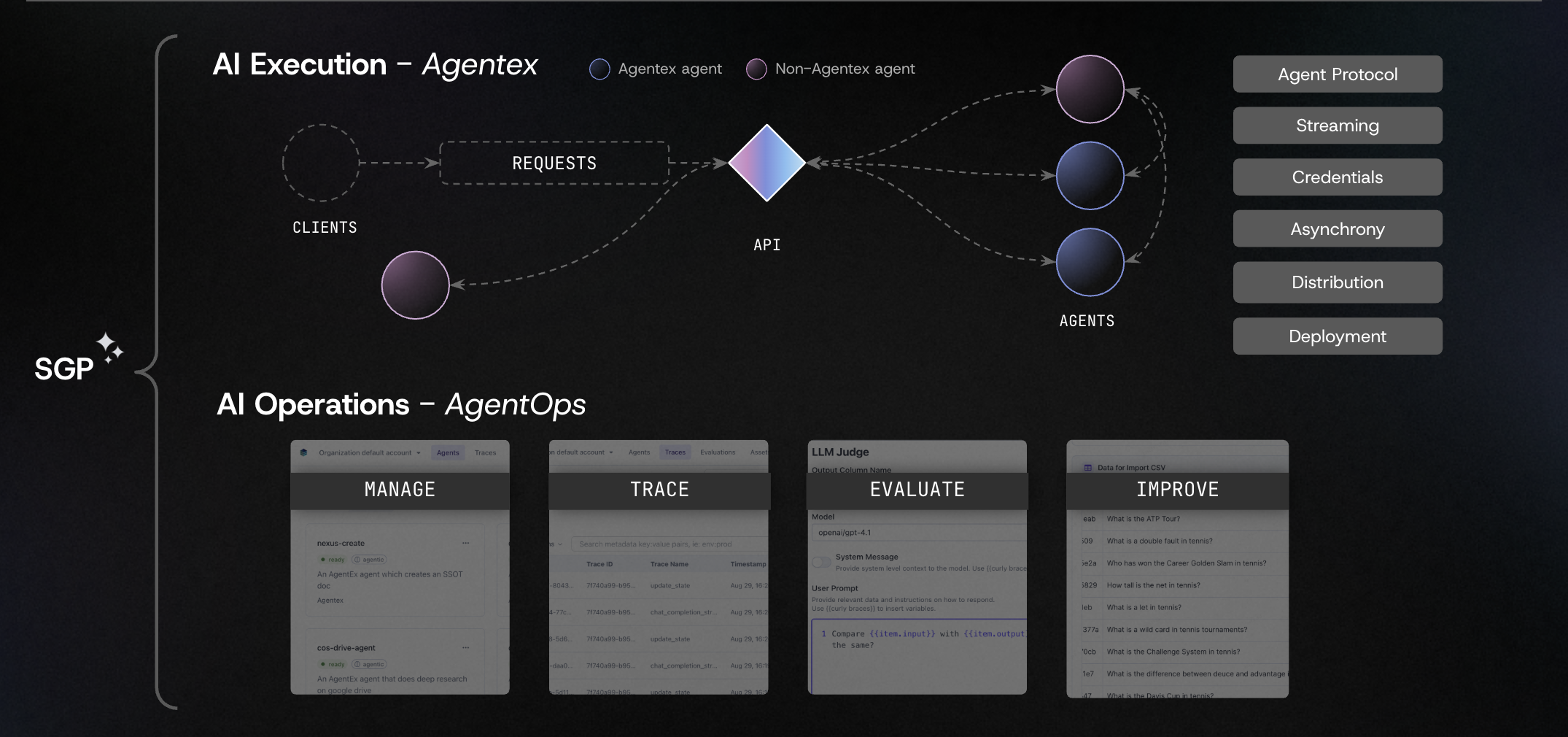
- Agent building and execution (Agentex): write an agent, run it locally, and deploy it as a hosted agent.
- Agent operations (AgentOps): trace what deployed agents do, build datasets from those traces, and evaluate and improve the agents.
Where to start
Get Started
Get your API key and account ID, then configure the AgentOps SDK.
Build and Deploy Agents
Agent types in SGP, building with Agentex, and deploying through the build pipeline.
Trace Agents
See the inputs, outputs and every step an agent took, from Agentex or your own SDK traces.
Evaluate Agents
Run LLM-as-a-judge and contributor evaluations on datasets built from traces.
Analyze Evaluation Results
Build dashboards to visualize and analyze evaluation metrics.
The agent lifecycle in SGP
1
Build the agent locally
Building an agent with Agentex is writing code in the environment you already use. The Agentex CLI runs the agent locally, and a local UI lets you test it, change the code and test again.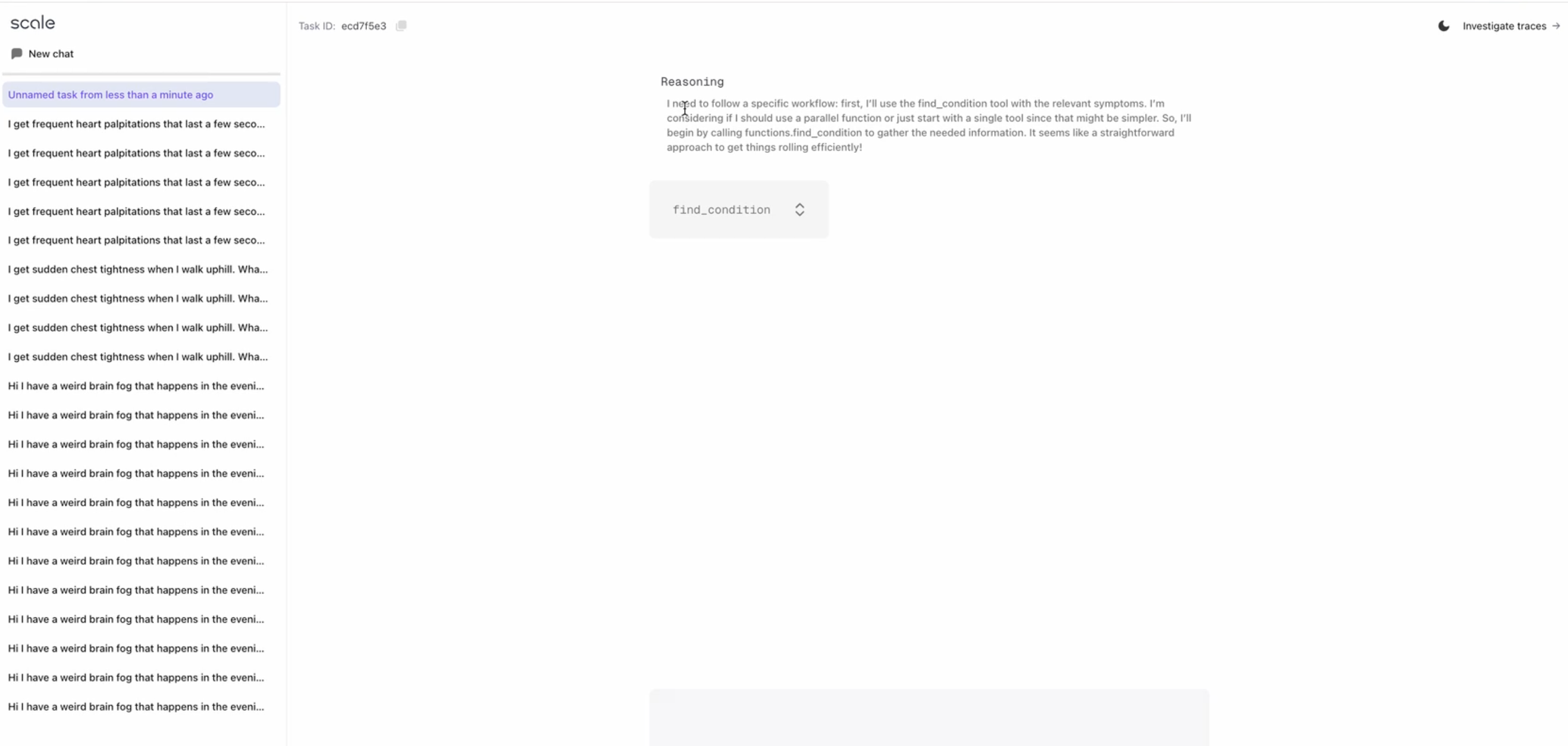
2
Deploy it
Agentex’s deployment pipeline takes your changes through a series of steps and deploys the agent for you. Each agent’s page in SGP shows its deployment history. See Cloud Build and Deploy.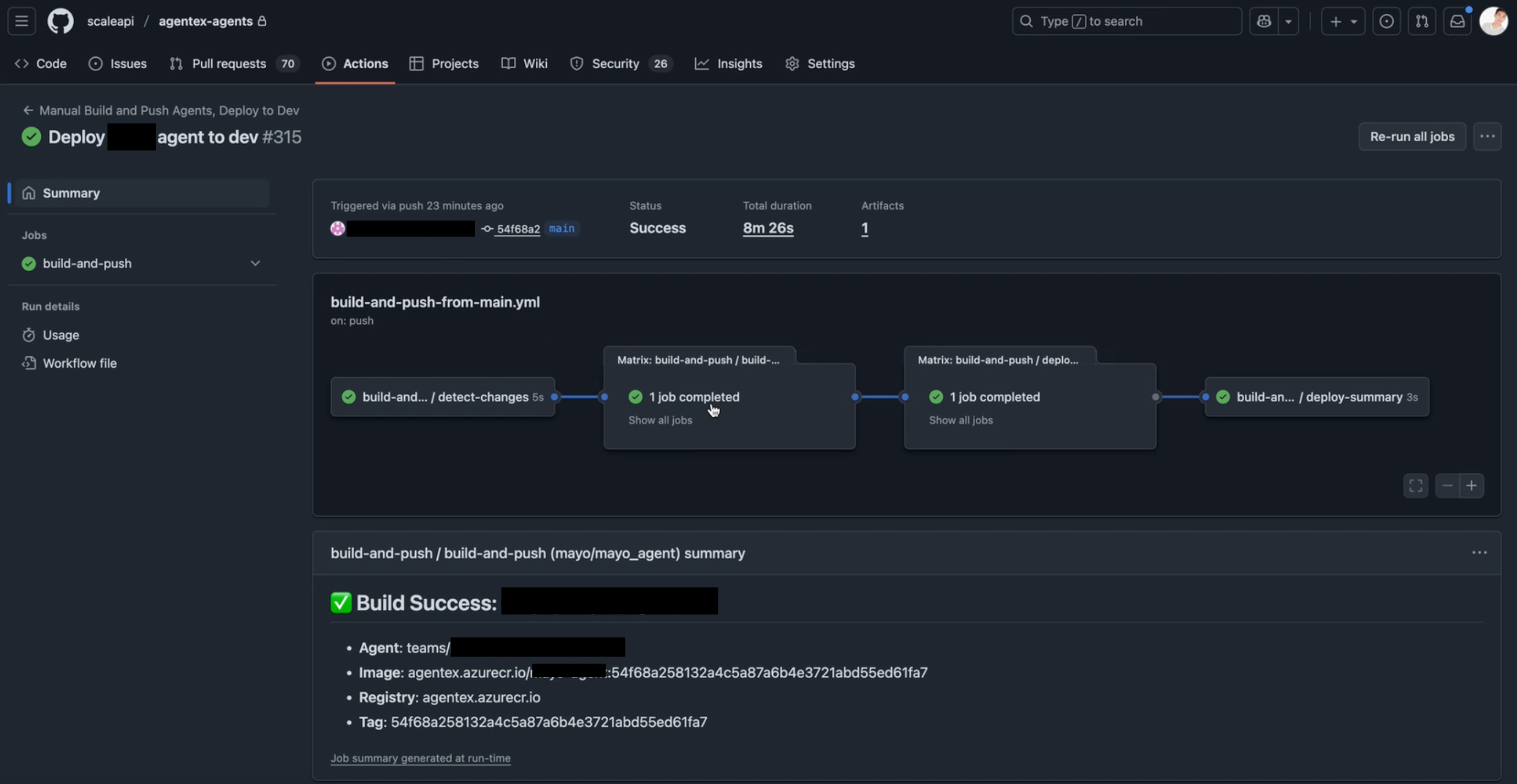
3
Test the deployed agent
Click Open Agent on an agent’s page to use the hosted version. Every interaction with it is captured as a trace.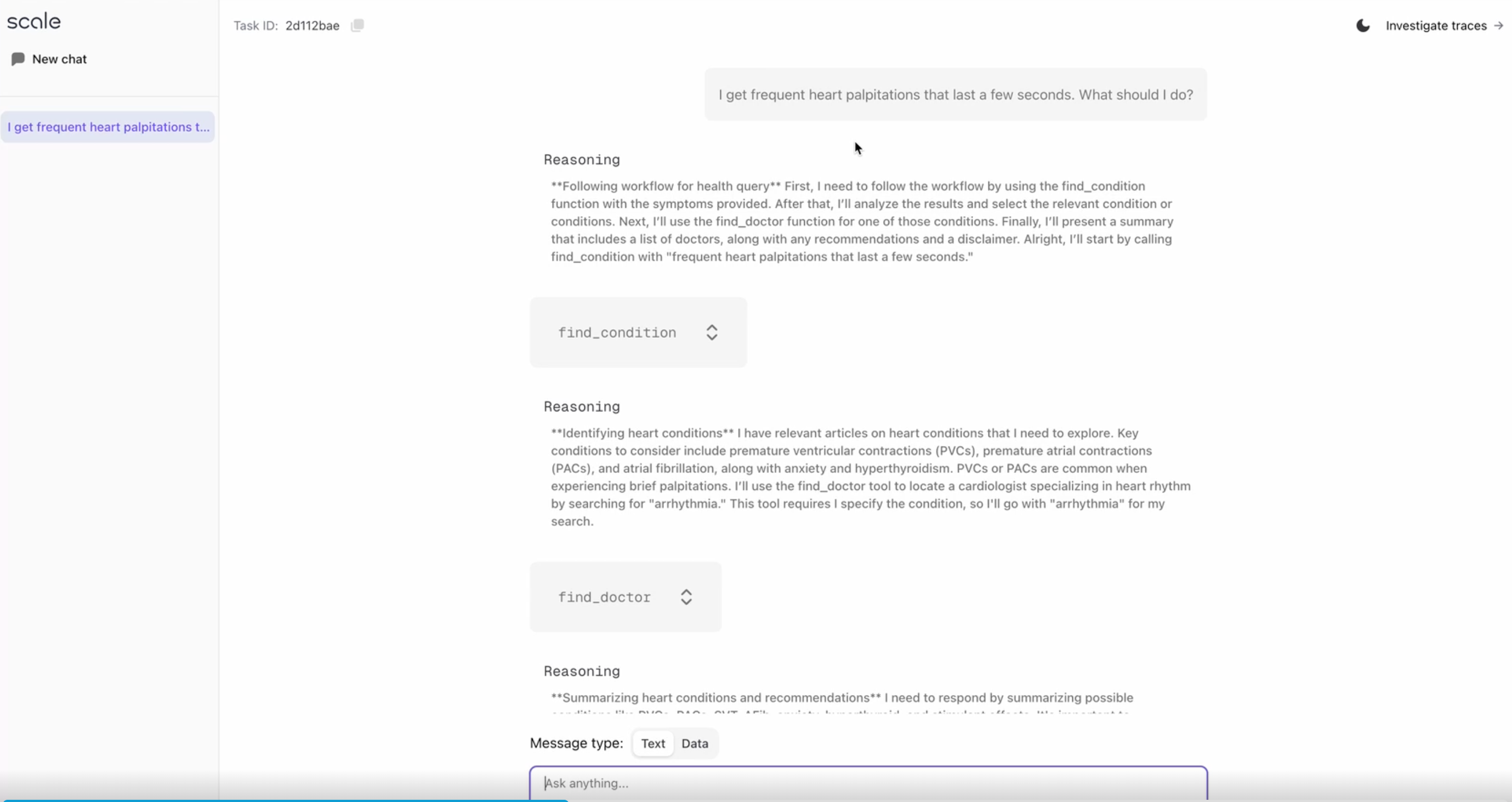
4
Monitor it through traces
Agents deployed with Agentex send traces automatically. For anything else, use the tracing SDK. Each trace shows the input, the output, the tools called and the reasoning steps. See Tracing.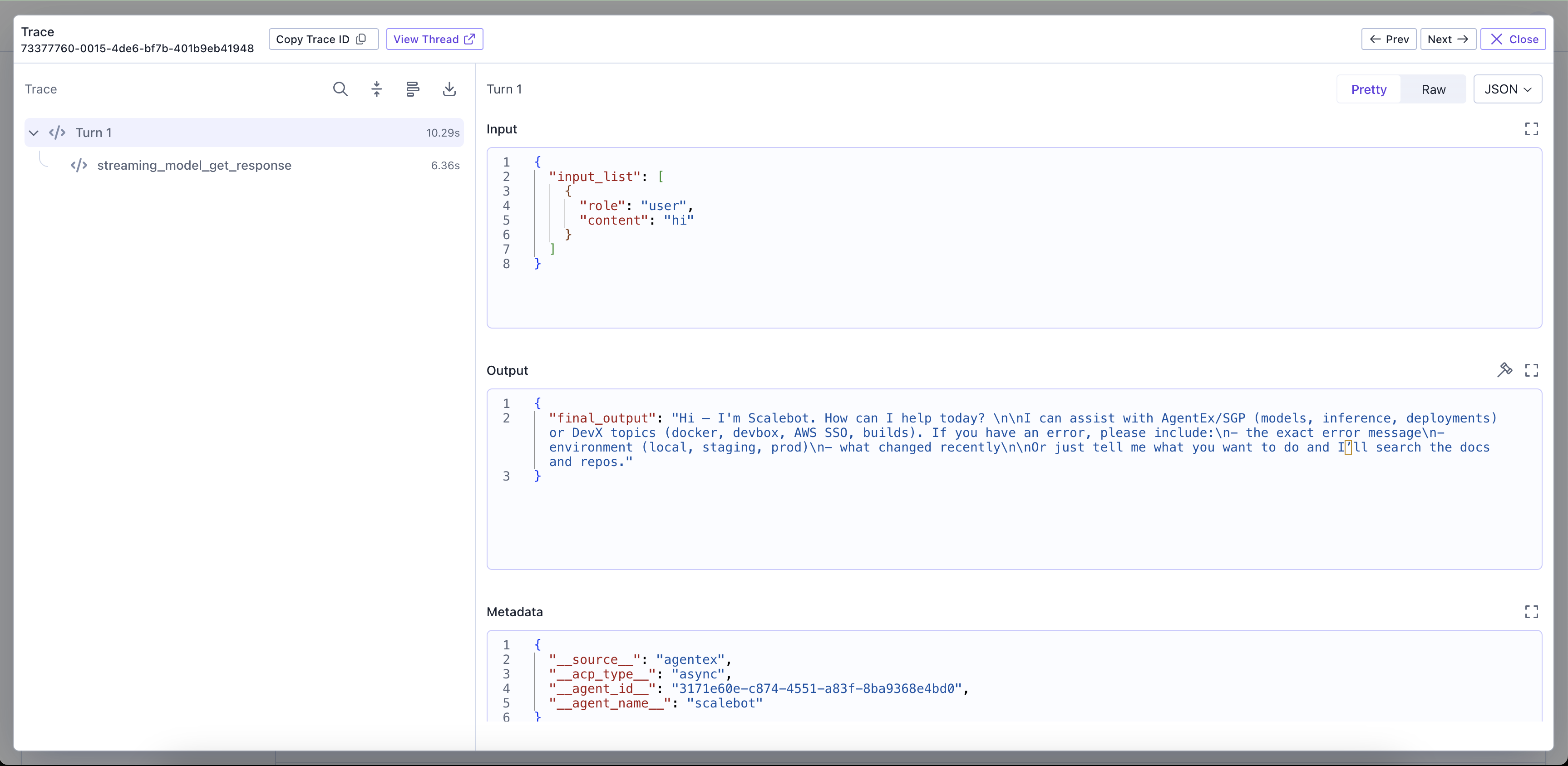
5
Evaluate and improve
Build evaluation datasets from traces and run evaluations, either with an LLM as the judge or with human contributors annotating results. See Evaluations.