


Getting started
You can access it on SGP (Scale GenAI Platform) through the Workflows tab. If you don’t see the tab on your SGP, please contact us. To start a workflow you must either import data or connect to a data source. Data sources available vary based on the connections set in the SGP instance you are running Workflows on. You can set up newData Sources under the Assets tab.
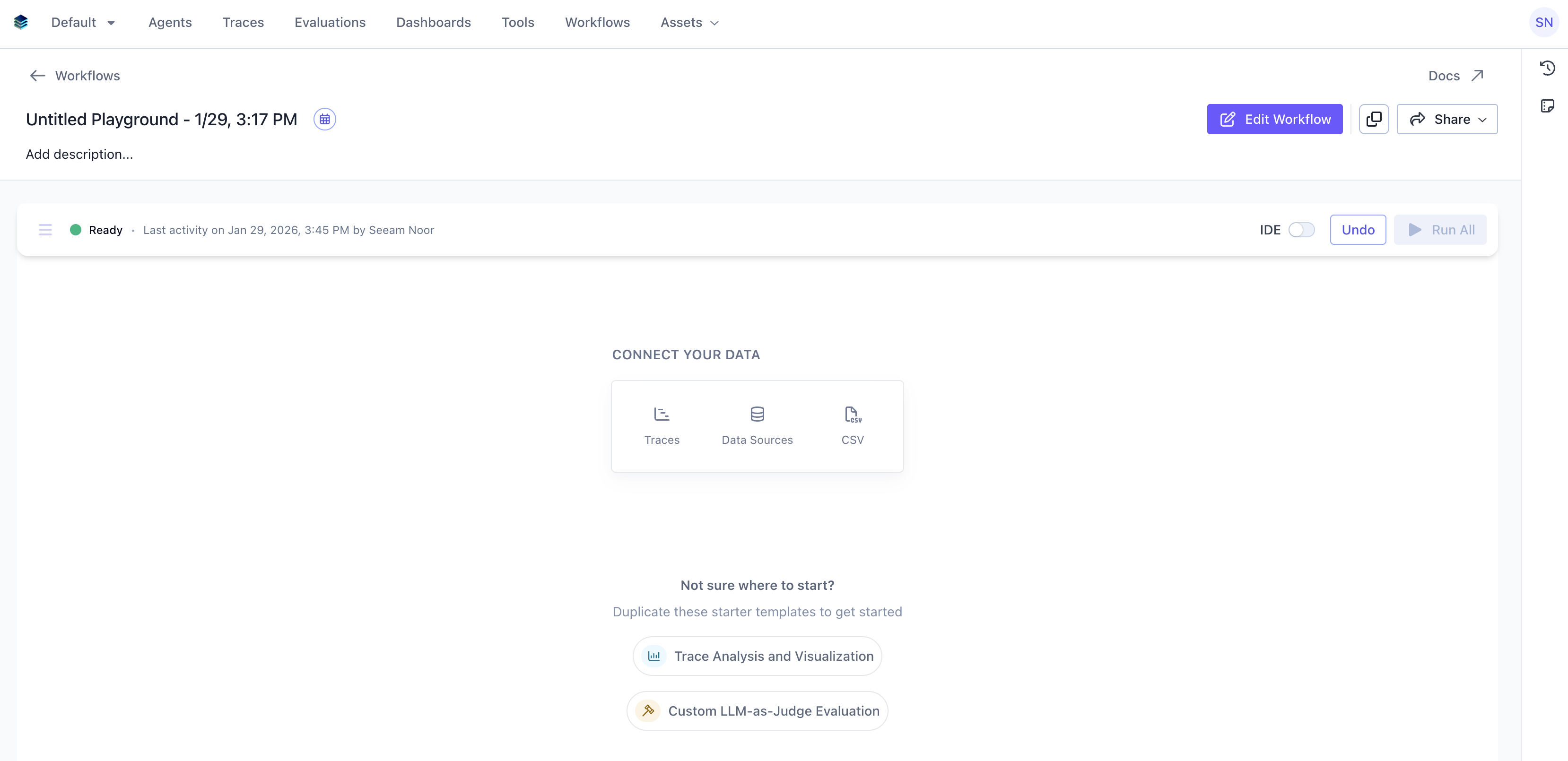
Duplicate or take inspiration from that are based on the most common workflows engineers run on Workflows. Just press the copy button on the top right to duplicate a workflow.
Workflows cards
The basic building block in Workflows is called a card. Cards can produce data, transform data, or perform actions on data. When you start a new Workflows session, you can add cards to build your workflow. Each card has its own interface appropriate for its function. Think of it like a form that you have to fill out to tell the card what you want it to do.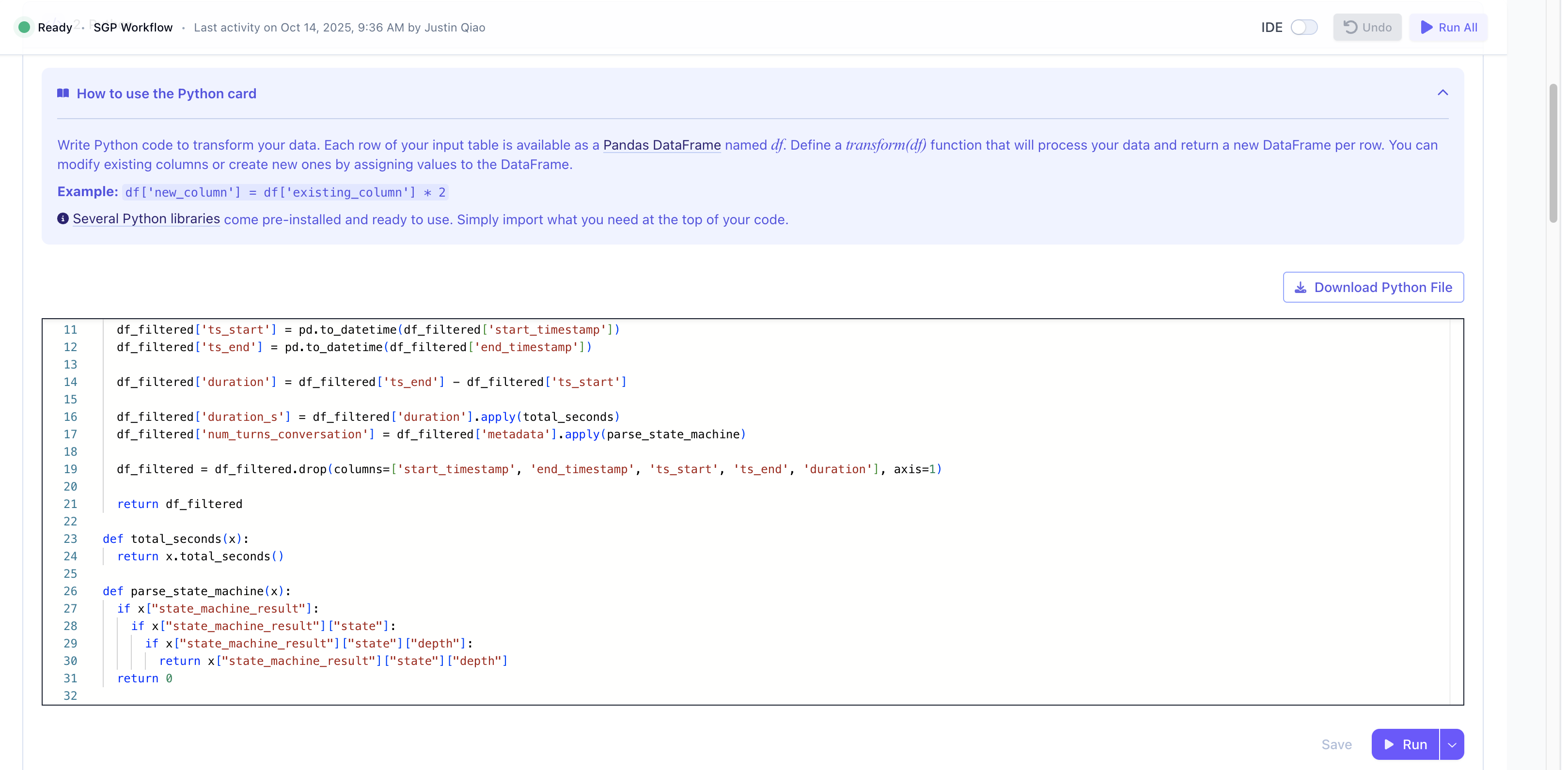
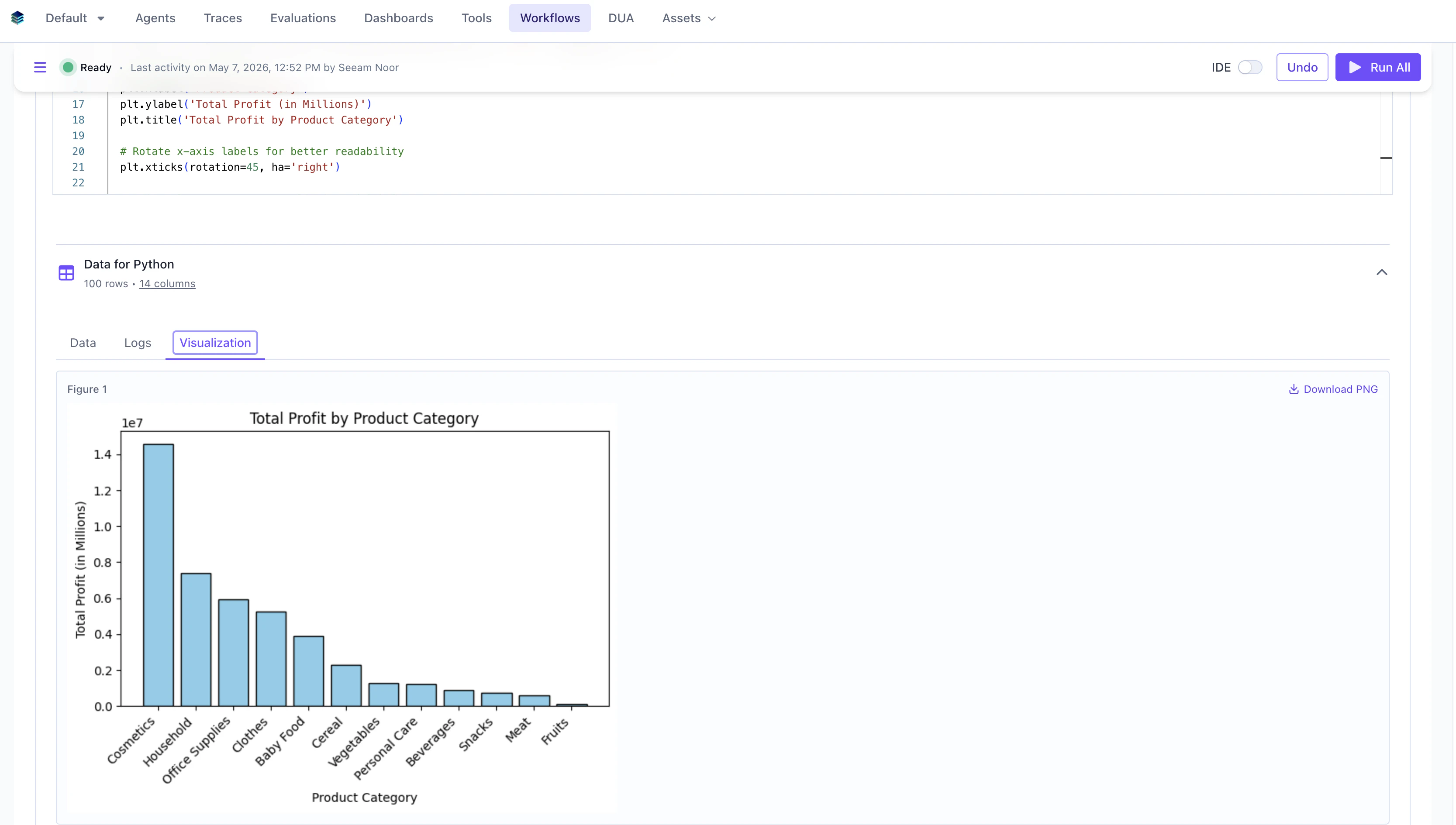
print and matplotlib.pyplot statements for quick EDA or debugging. If you include those statements, the output will show up in the Logs tab and Visualization tab respectively, beside the usual Data tab.
Cards stack upon each other, allowing you to perform rich transformations or analyses over the previous card’s data. As an example, we can take a CSV that has different LLM completions against a prompt and have an LLM judge it against ground truth for evals.
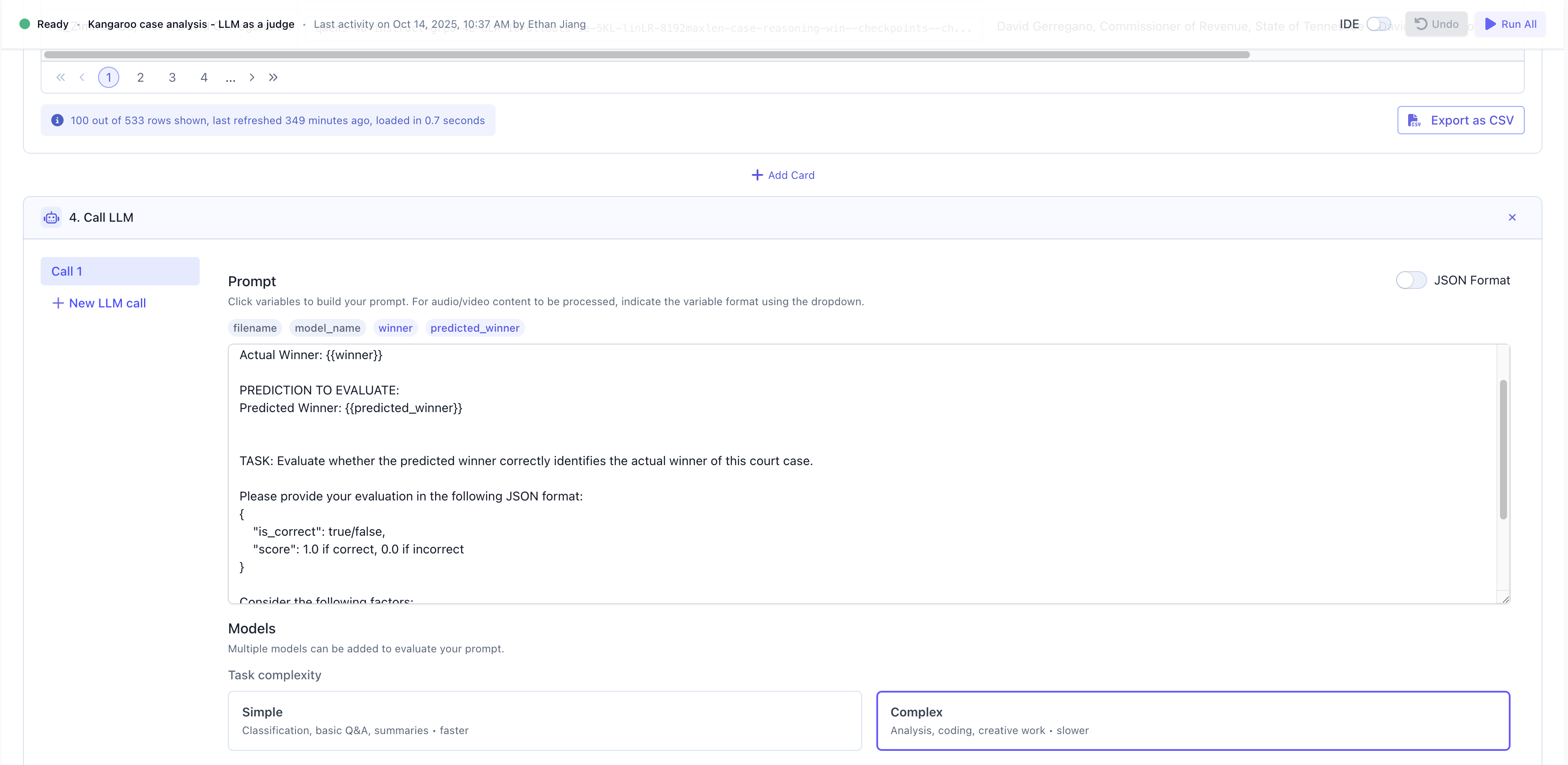
unique URL identifier that gives you persistent access to your session.

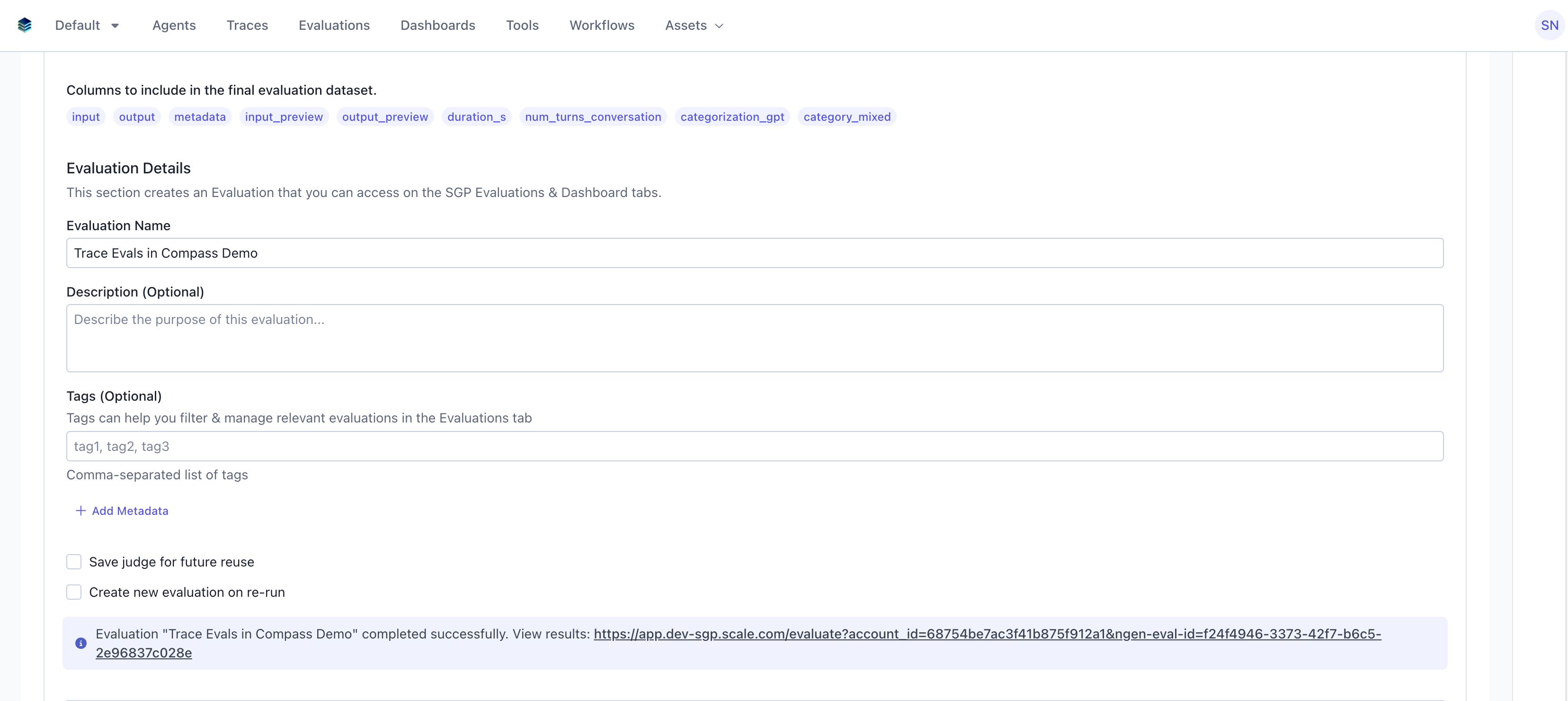
Evaluation that you can always access and monitor later. This is helpful in the cases you are running the evaluation on your agent traces periodically. You can also save it as an SGP Dataset that can be downloaded and shared as a CSV.
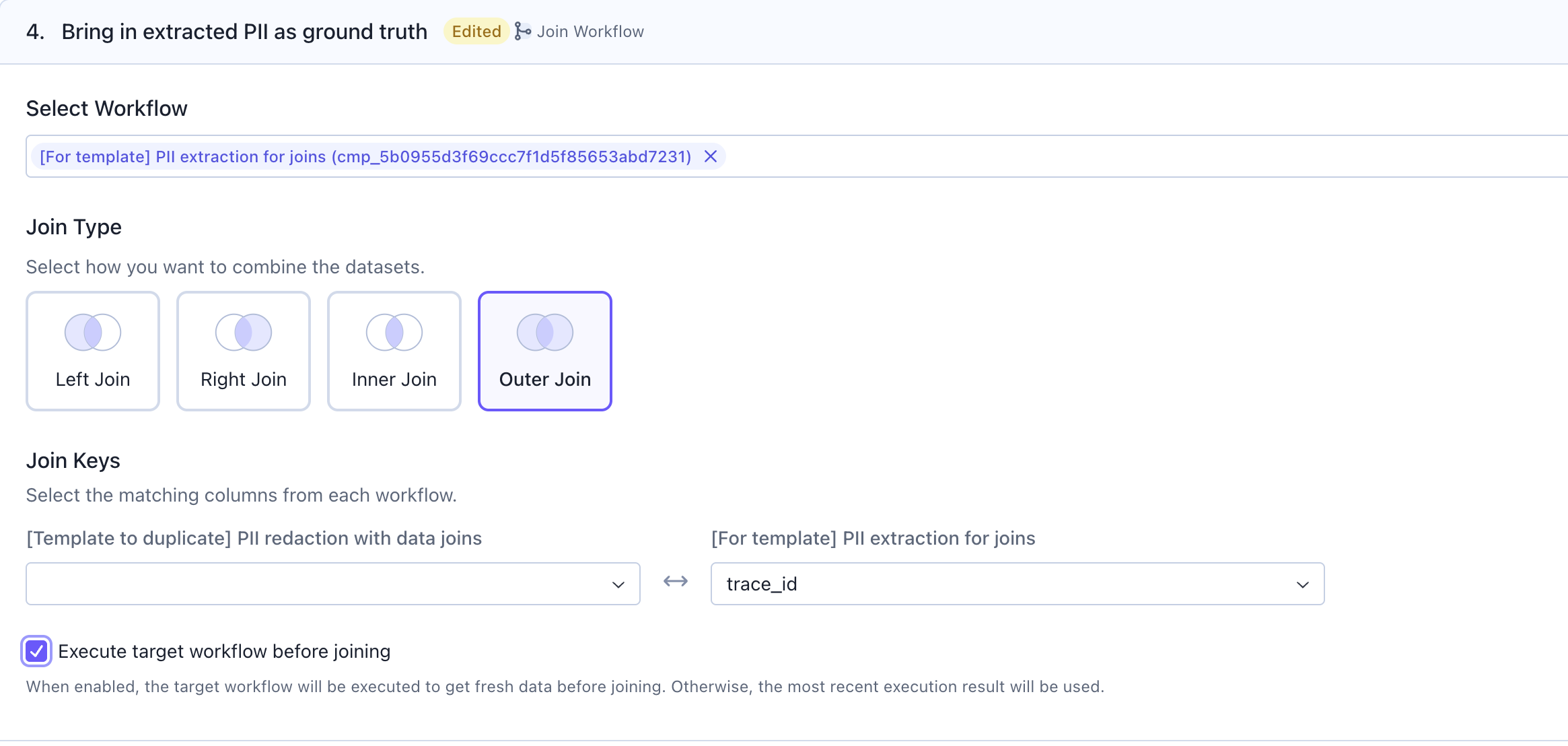
Join Workflow card to bring the output of another workflow (dataframe) and join it with the output here. Attached image is from an example workflow where we had to bring the mock PII from another workflow to perform an evaluation on whether our agent was correctly implementing PII anonymization.
Key features & associated cards

- Importing data: Read data from sources like agent
Tracestab, aCSVupload, or queryable sources likePostgres,Snowflake,Mongo, orMS SQLdirectly. - Document understanding: Connect to cloud storage (Amazon S3, Azure Blob, Google Cloud Storage), parse unstructured documents using
Dexcard, automatically create Dex projects, extract structured data, and push parsed data to Knowledge Base. See the Guide to Document Parsing with Dex in Workflows for details. - Transforming data: Transform your data using custom
Pythoncode or simple cards likeselect columns,filteroraggregate. You can also useJoin Datato join the output from another workflow into this workflow’s output (dataframe). - Call LLM or Agent: Generate output and traces against input from each row of your dataset via cards like
Call LLMorCall Agent. Workflows allows you to call yourAgentexagents on SGP. - Analyze data: Evaluate your outputs using
LLM as Judgecard and access the evaluation anytime in the SGPEvaluationstab. - Visualize data: Generate basic visualizations from your transformed dataset using the
PythonorChartcard. For advanced capabilities, export the data as anEvaluationandDashboard, and open in theDashboardstab. - Export the data: Export the data as
CSVor as aDataseton SGP. This dataset can be referred to in the Evaluations tab anytime. - Automate & monitor:
Schedulethe workflow to run hourly or daily. Monitor runs and get notified via Slack. Slack notification feature needs to be enabled for each enterprise.
Schedule & monitor workflows
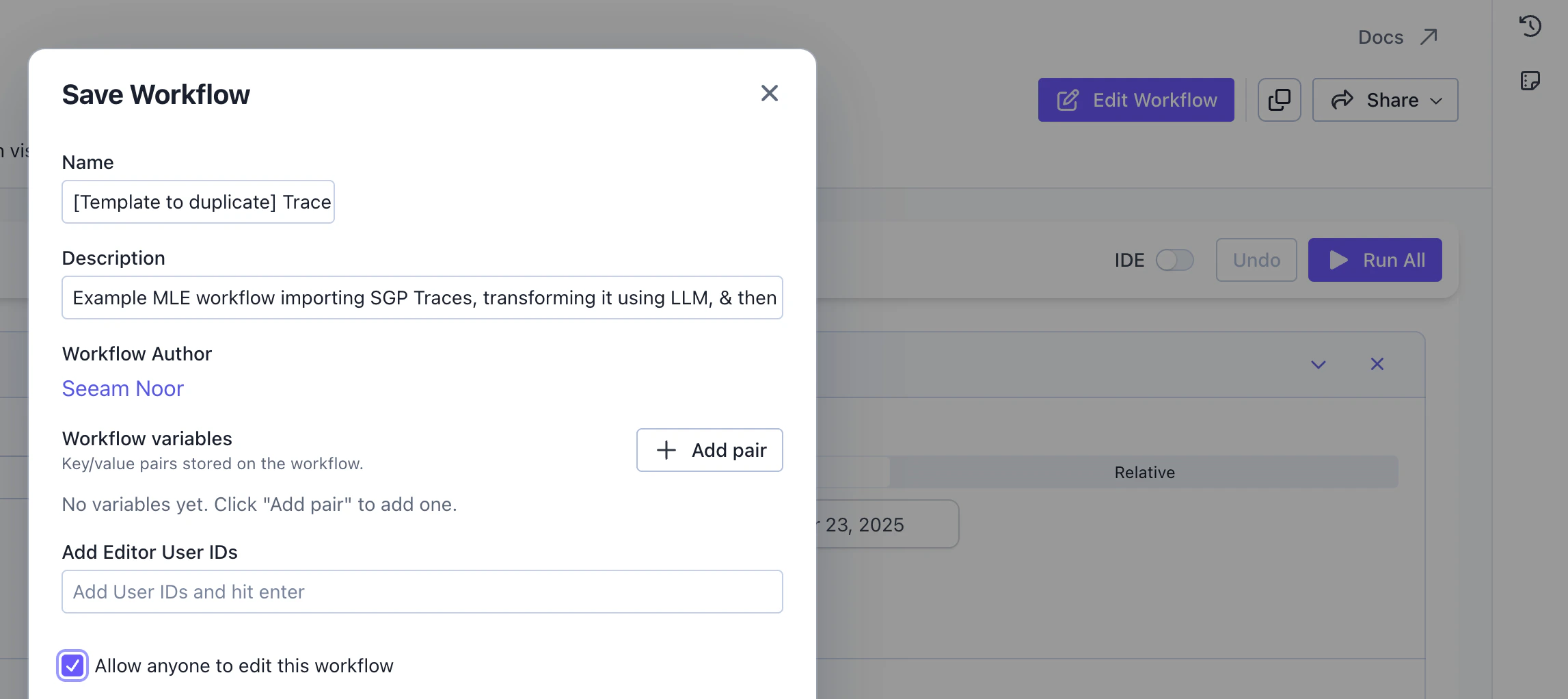
If you have a sequence of cards that you want to run repeatedly, you can save them to easily load and re-run later. You canShare the workflow via URL. You can add other editors for collaboration. By default, everyone who has access to that SGP instance account can read all the workflows, and only the creator of the workflow has editor access.
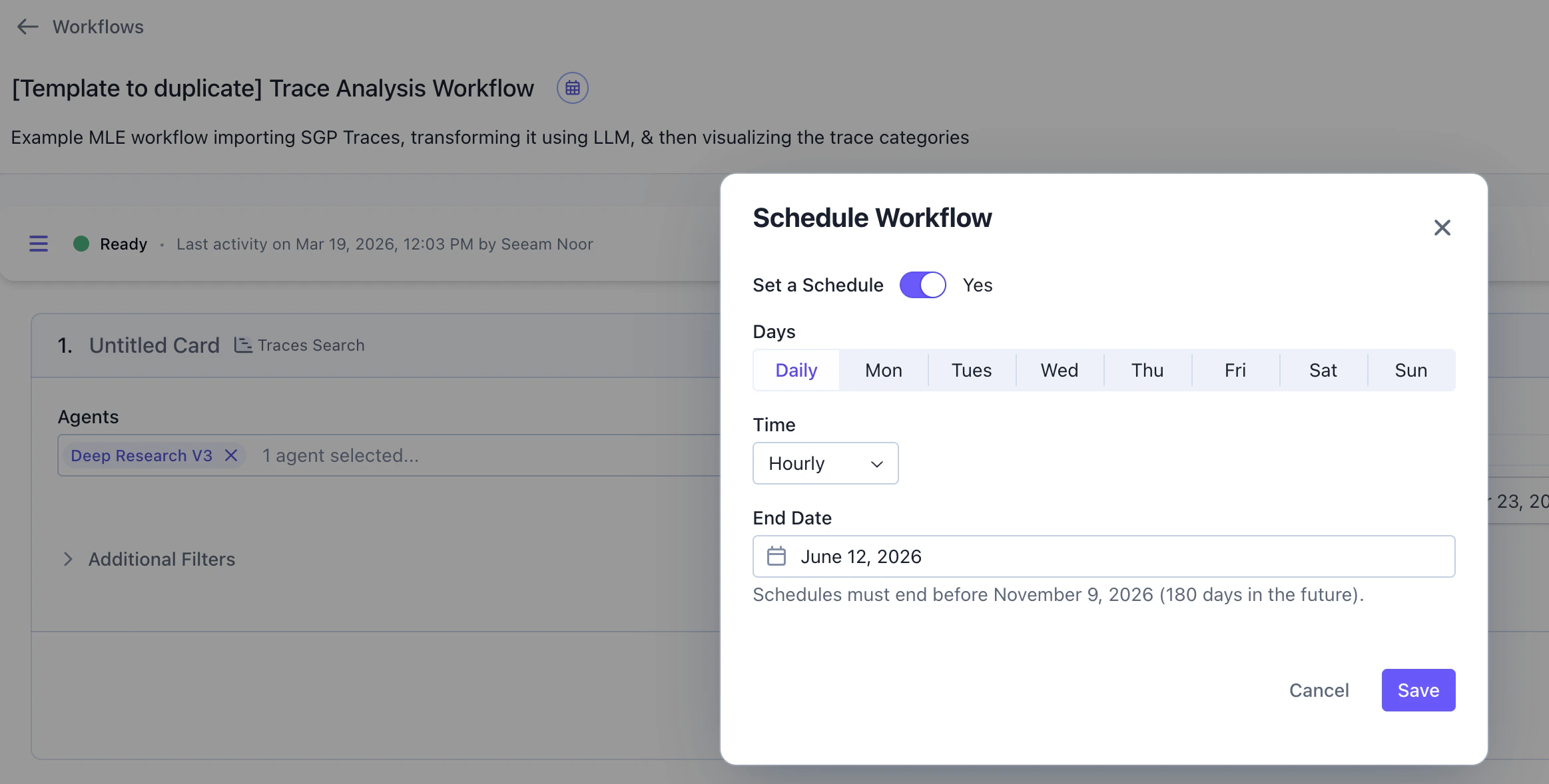
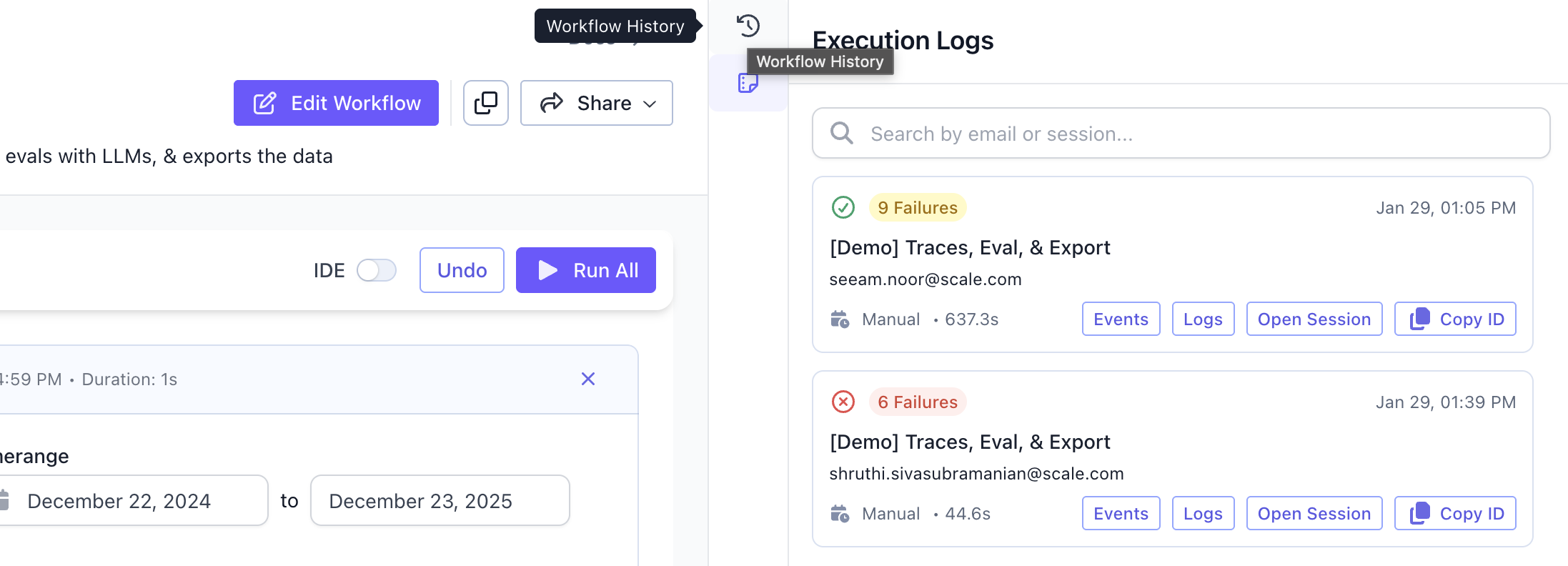
Execution logs anytime to monitor past runs. You can also check Workflow history to understand how the workflow changed across versions, the diffs, and the author responsible for each version.
What’s coming next in H1 2026
Here are core features planned on our roadmap.- [Launched] More data source support: Currently, Workflows supports connection to queryable data sources. We just launched data connectors for cloud file storages like Amazon S3, Azure Blob, and Google Cloud Storage.
- [Launched] Document parsing & extraction on Workflows: Utilize our
DexandIriscapabilities inside Workflows toparseunstructured data across Docs or PDFs into structured data andextractthe information you need for your workflows. - UX & UI improvements: Make quality of life improvements to solve common pain points faced by users like improved error handling, messages for required missing inputs, improved navigation bars, etc.
- More integrations with Agentex and AgentOps API and SDK: Currently, Workflows has integrations with our Evals SDK and the Dex SDK as separate cards. We want to extend the functionalities to cover the majority of SGP’s SDKs.
Creating a custom Workflows card to support your specific enterprise use case on their VPC is also straightforward. If your organization has functionality requirements, please contact us.