> ## Documentation Index
> Fetch the complete documentation index at: https://docs.gp.scale.com/llms.txt
> Use this file to discover all available pages before exploring further.
# Heading Widget
> Organize dashboards with simple section headers
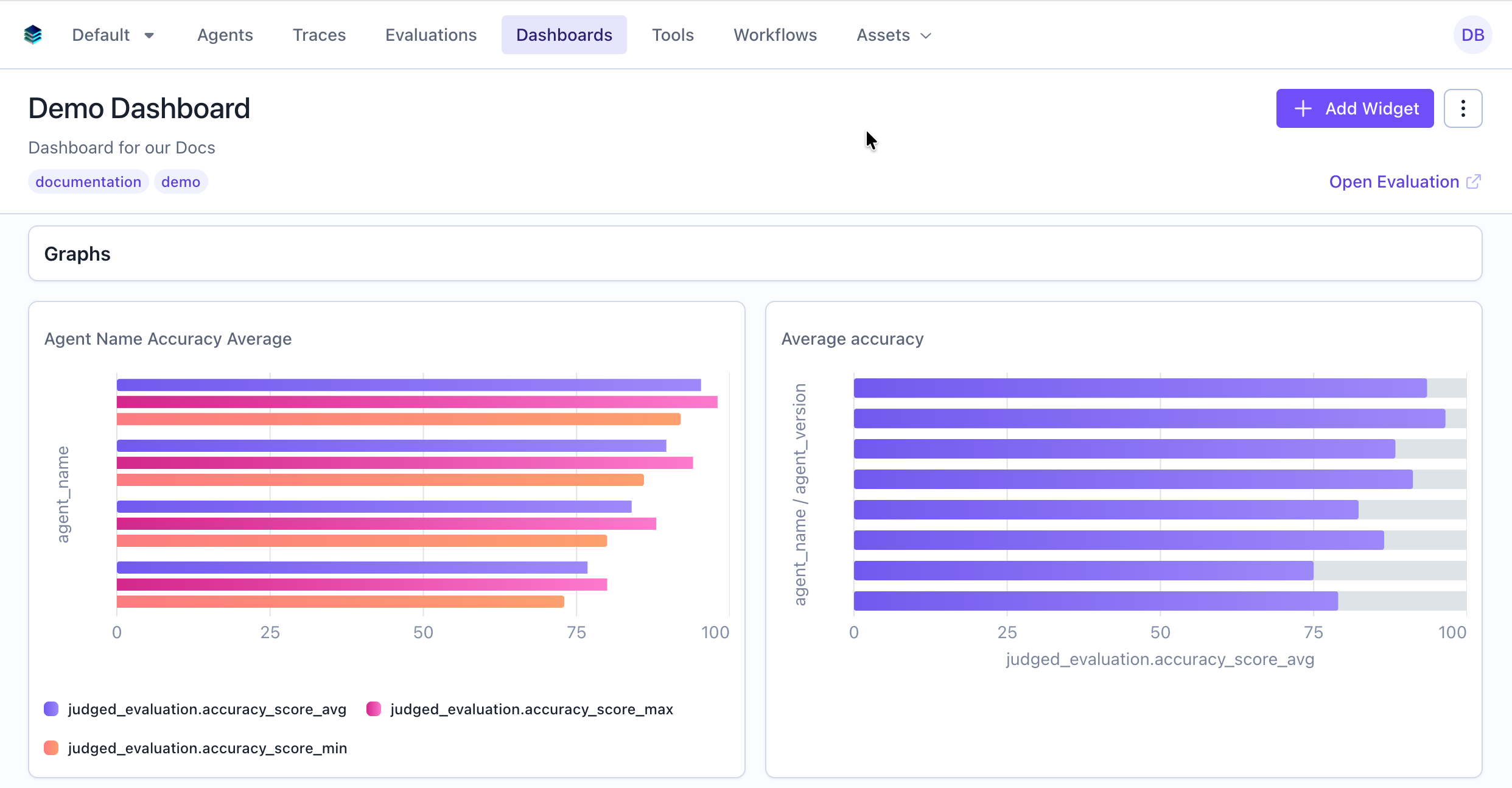 ## When to Use
Use heading widgets to:
* Divide dashboard into logical sections
* Label groups of related widgets
## Configuration
### Required Fields
The heading text to display
Must be set to "heading"
**No Query or Config Required**: Heading widgets simply display the title as a styled header.
## Creating in the UI
From your dashboard, click "Add Widget" and select "Heading"
## When to Use
Use heading widgets to:
* Divide dashboard into logical sections
* Label groups of related widgets
## Configuration
### Required Fields
The heading text to display
Must be set to "heading"
**No Query or Config Required**: Heading widgets simply display the title as a styled header.
## Creating in the UI
From your dashboard, click "Add Widget" and select "Heading"
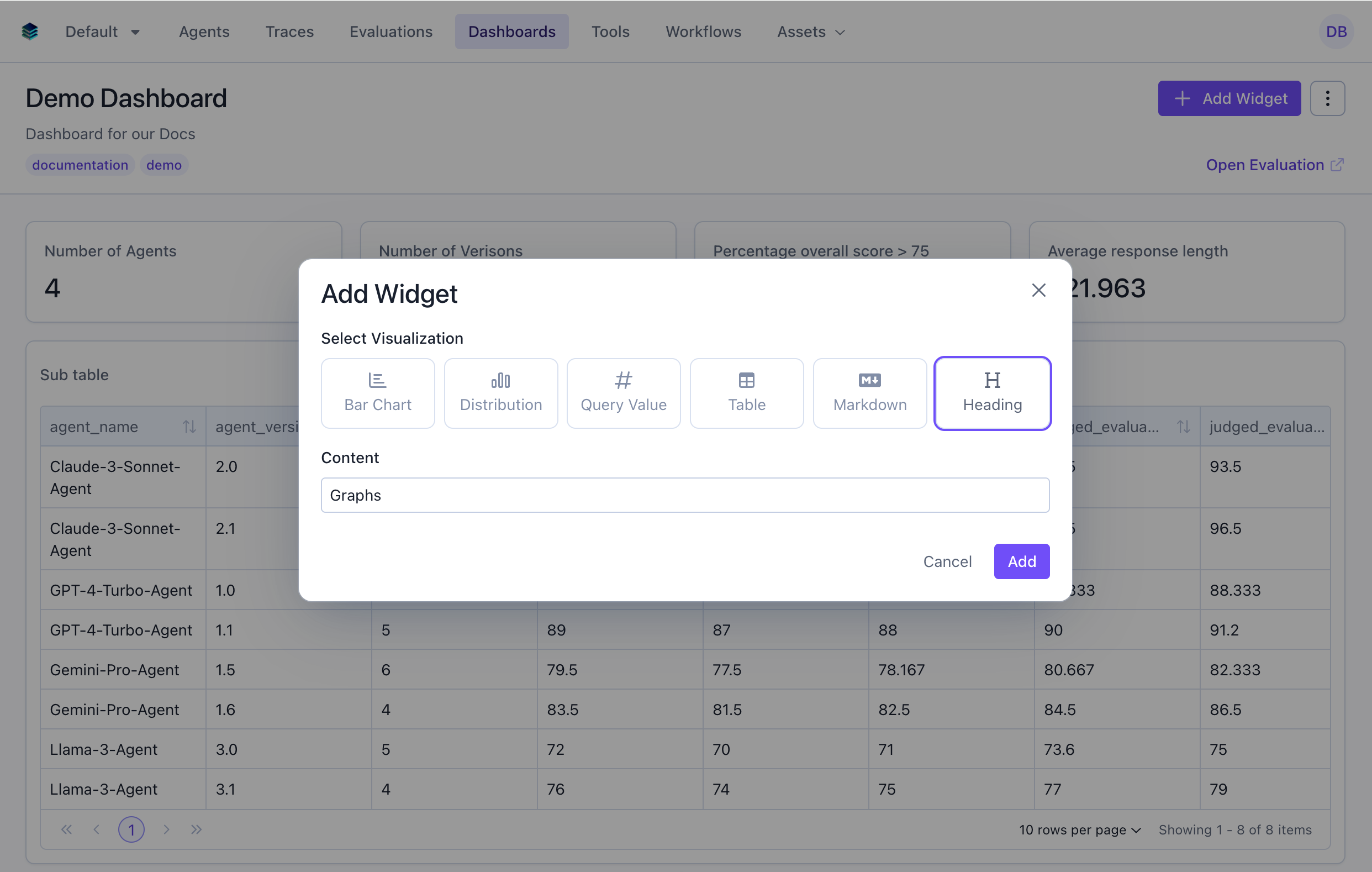 Type the heading text in the title field (e.g., "Overview Metrics")
Click "Add" to add the heading to your dashboard
## Heading vs Markdown
### Use Heading When:
* You only need a simple text header
* You want consistent dashboard styling
* You're organizing multiple short sections
* Simplicity is preferred
### Use Markdown When:
* You need formatted text beyond a header
* You want to include links, lists, or tables
* You're providing detailed context or instructions
* You need multiple paragraphs of content
## Related Documentation
* [Markdown Widget](./markdown) - For rich text content
* [All Widget Types](./overview) - Compare widget types
* [Getting Started](../getting-started) - Dashboard organization tips
* [API Reference](/reference/v5/evaluation-dashboards) - Programmatic heading creation
Type the heading text in the title field (e.g., "Overview Metrics")
Click "Add" to add the heading to your dashboard
## Heading vs Markdown
### Use Heading When:
* You only need a simple text header
* You want consistent dashboard styling
* You're organizing multiple short sections
* Simplicity is preferred
### Use Markdown When:
* You need formatted text beyond a header
* You want to include links, lists, or tables
* You're providing detailed context or instructions
* You need multiple paragraphs of content
## Related Documentation
* [Markdown Widget](./markdown) - For rich text content
* [All Widget Types](./overview) - Compare widget types
* [Getting Started](../getting-started) - Dashboard organization tips
* [API Reference](/reference/v5/evaluation-dashboards) - Programmatic heading creation