> ## Documentation Index
> Fetch the complete documentation index at: https://docs.gp.scale.com/llms.txt
> Use this file to discover all available pages before exploring further.
# Fine Tuning
> Scale GP natively supports model fine tuning within the platform via the UI or API.
## Using the UI
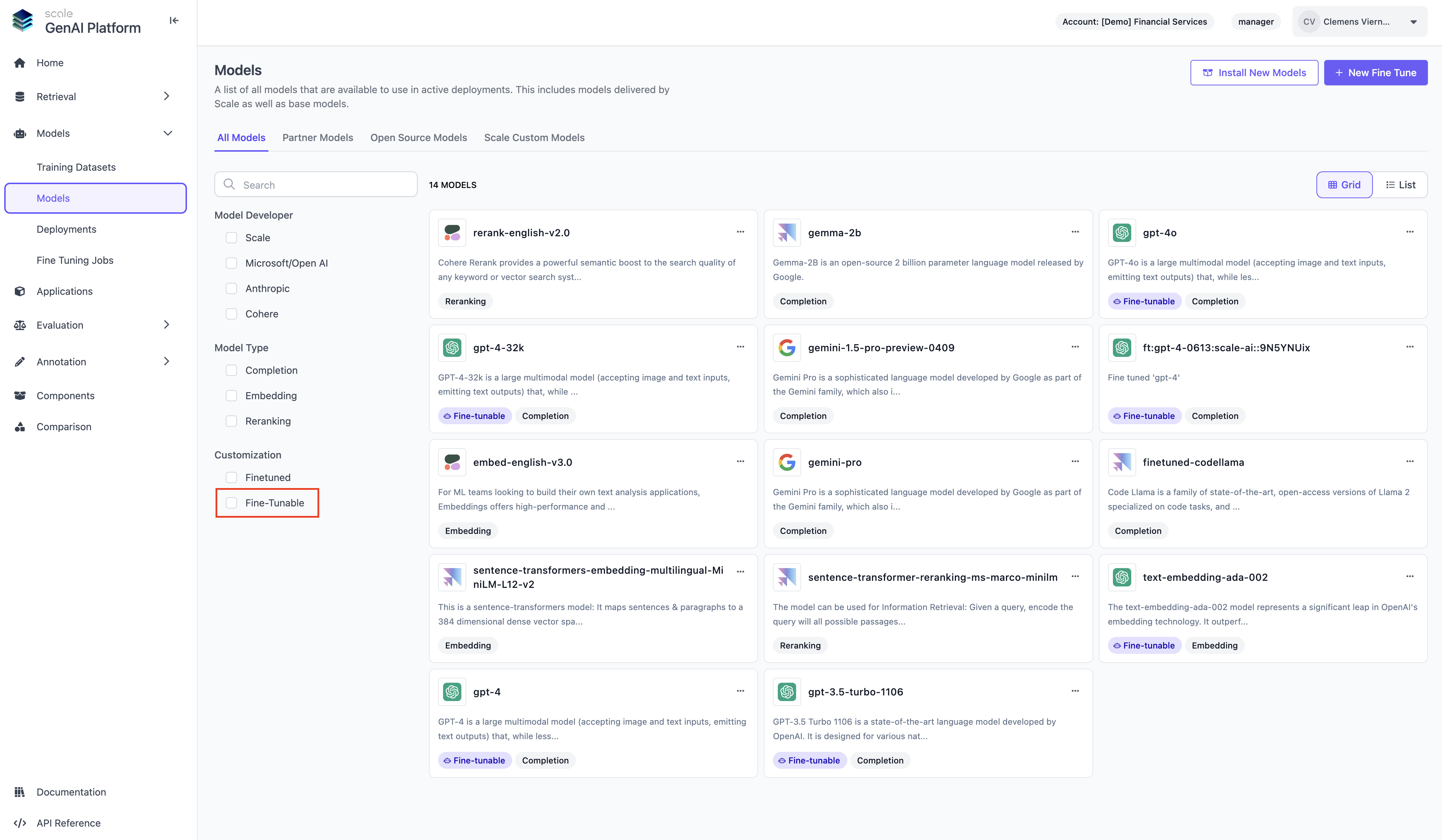
When navigating to the Models page, you can filter the listed models by the ones that are eligible for fine tuning.
### Fine-Tunable Models
 > ##
>
> Supported Models for Fine Tuning
>
> As of today (July 2024) we support only OpenAI models for fine tuning in Scale GP
### Training Datasets
In order to be able to fine tune a model on the platform, you will need a training dataset. To create a new training dataset, navigate to "Training Datasets". A Training Dataset consists of a set of input and output pairs.
> ##
>
> Supported Models for Fine Tuning
>
> As of today (July 2024) we support only OpenAI models for fine tuning in Scale GP
### Training Datasets
In order to be able to fine tune a model on the platform, you will need a training dataset. To create a new training dataset, navigate to "Training Datasets". A Training Dataset consists of a set of input and output pairs.
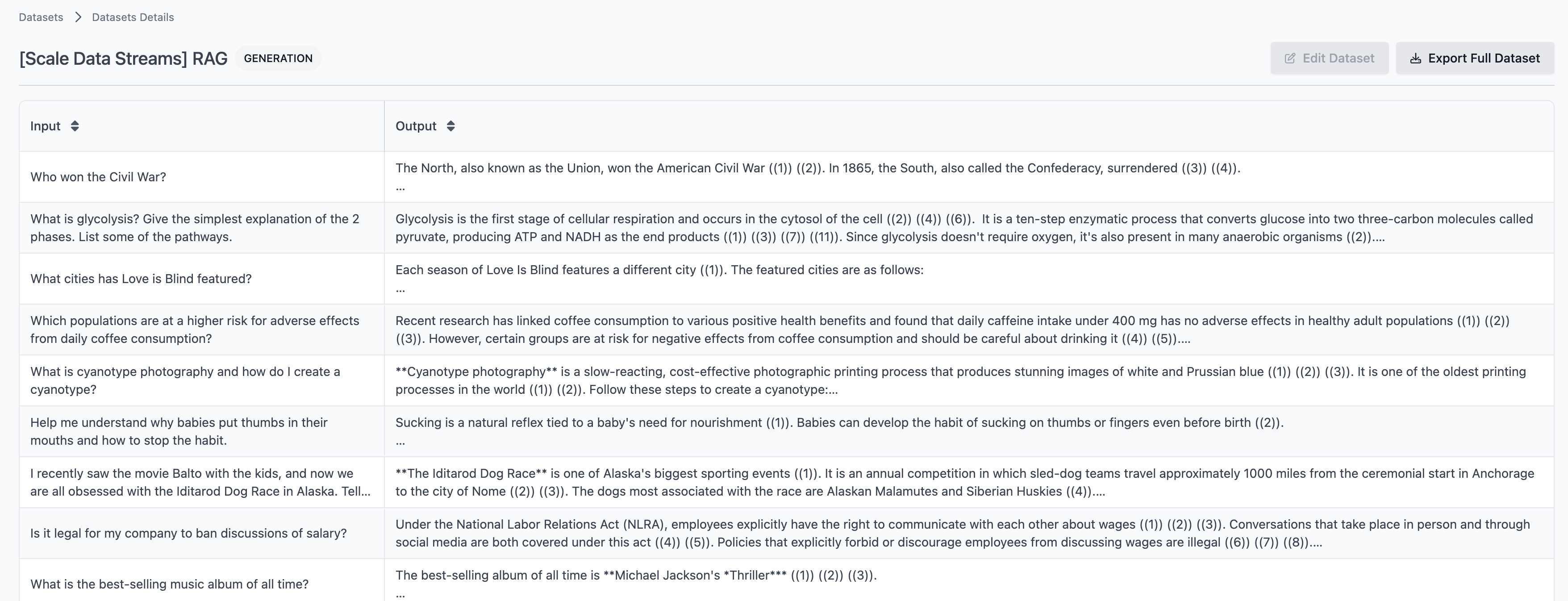 Scale GP typically comes with a few pre-installed training datasets for typical tasks like RAG, Coding or Creative Writing. If you have a local installation of Scale GP without pre-installed training datasets, please contact Scale to get these datasets installed in your account. While each use case is different, a fine-tuning dataset should include at least include a **couple of hundred prompt response pairs** in order to have a meaningful impact on model performance for the respective domain.
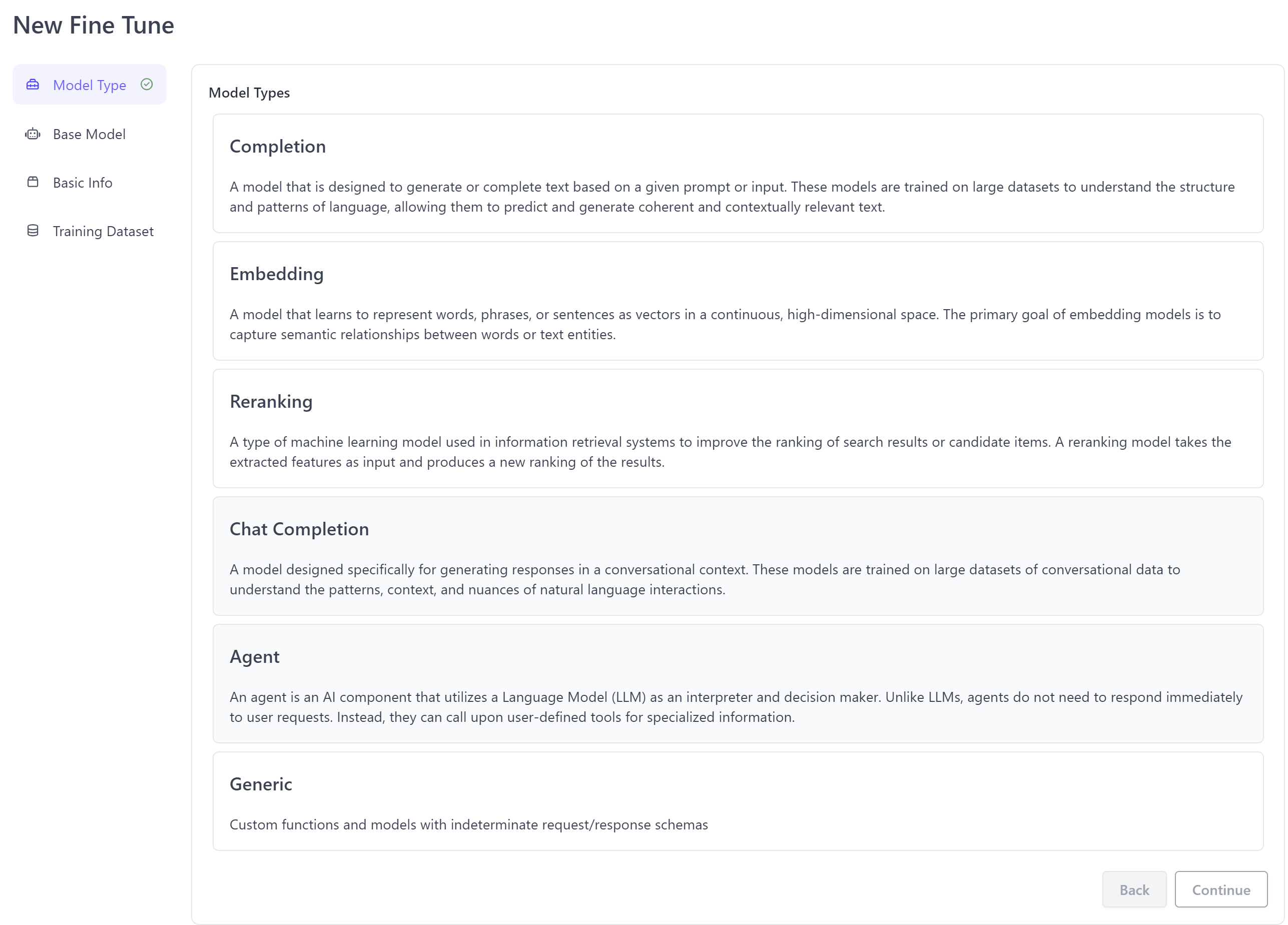
If you have a dataset of prompt response pairs ready to go, you can hit "New Dataset" and upload the dataset directly via the UI.
Scale GP typically comes with a few pre-installed training datasets for typical tasks like RAG, Coding or Creative Writing. If you have a local installation of Scale GP without pre-installed training datasets, please contact Scale to get these datasets installed in your account. While each use case is different, a fine-tuning dataset should include at least include a **couple of hundred prompt response pairs** in order to have a meaningful impact on model performance for the respective domain.
If you have a dataset of prompt response pairs ready to go, you can hit "New Dataset" and upload the dataset directly via the UI.
 ### New Fine Tune
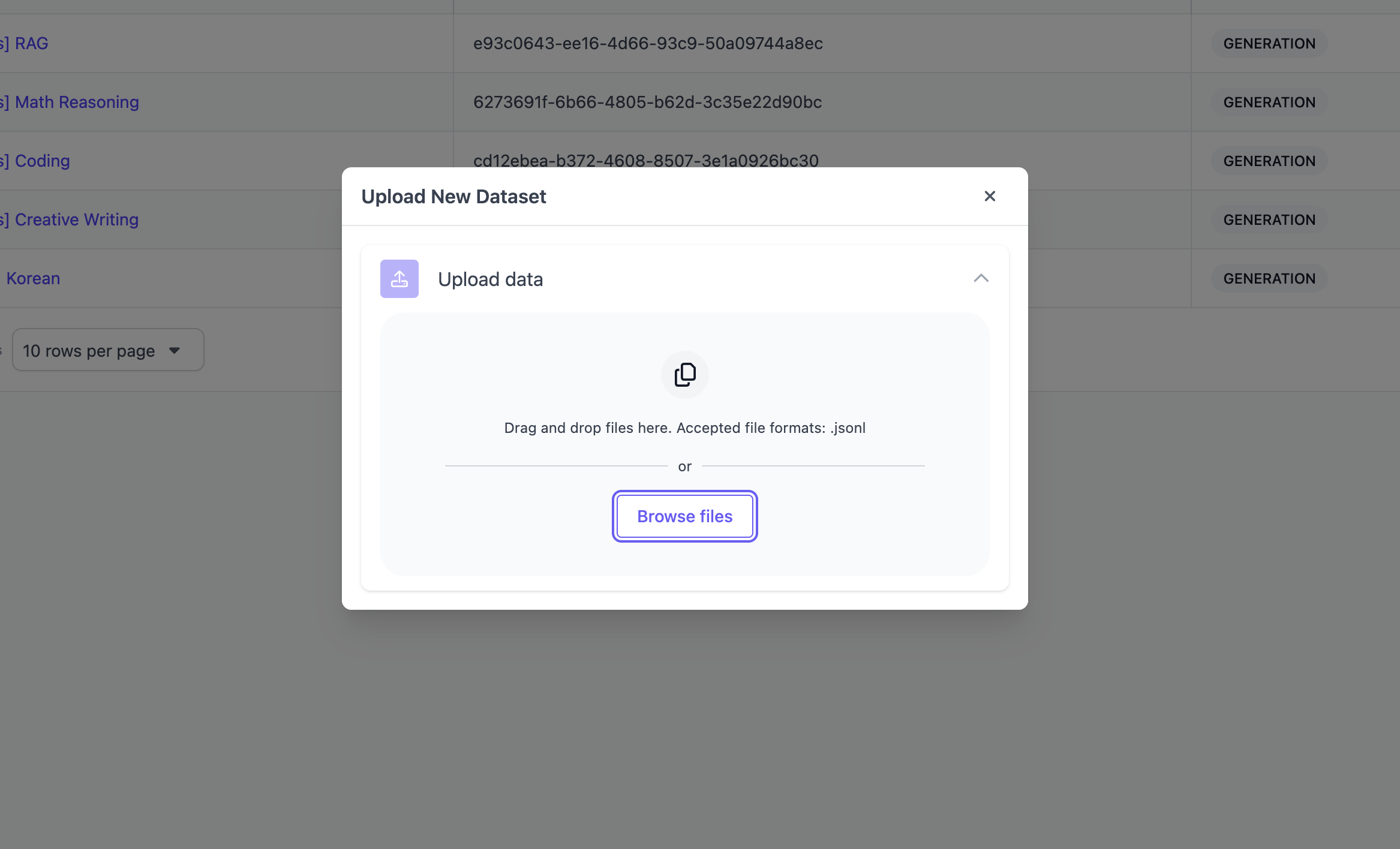
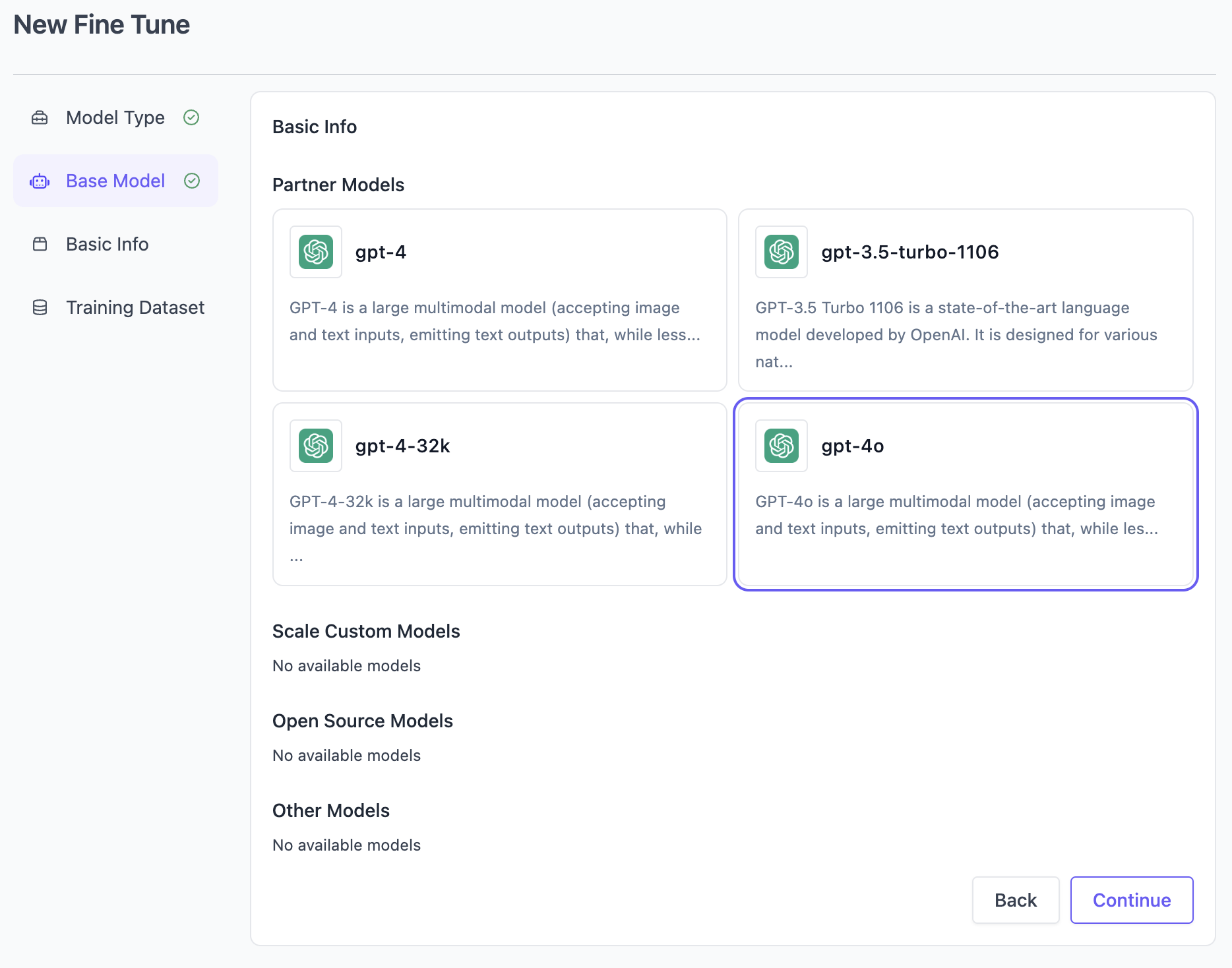
After deciding for a training dataset, you can navigate back to "Models" and click "New Fine Tune" in the top right to being a fine tuning job. Subsequently, you can simply walk through the steps in the wizard to create the fine tune by picking the model type, base model to fine-tune, providing a name (and optionally description) and finally selecting a training dataset.
### New Fine Tune
After deciding for a training dataset, you can navigate back to "Models" and click "New Fine Tune" in the top right to being a fine tuning job. Subsequently, you can simply walk through the steps in the wizard to create the fine tune by picking the model type, base model to fine-tune, providing a name (and optionally description) and finally selecting a training dataset.
 ### Fine Tuning Jobs
After completing the setup, you'll be able to monitor the status of the fine tuning job by navigating to "Fine-Tuning Jobs.
### Fine Tuning Jobs
After completing the setup, you'll be able to monitor the status of the fine tuning job by navigating to "Fine-Tuning Jobs.
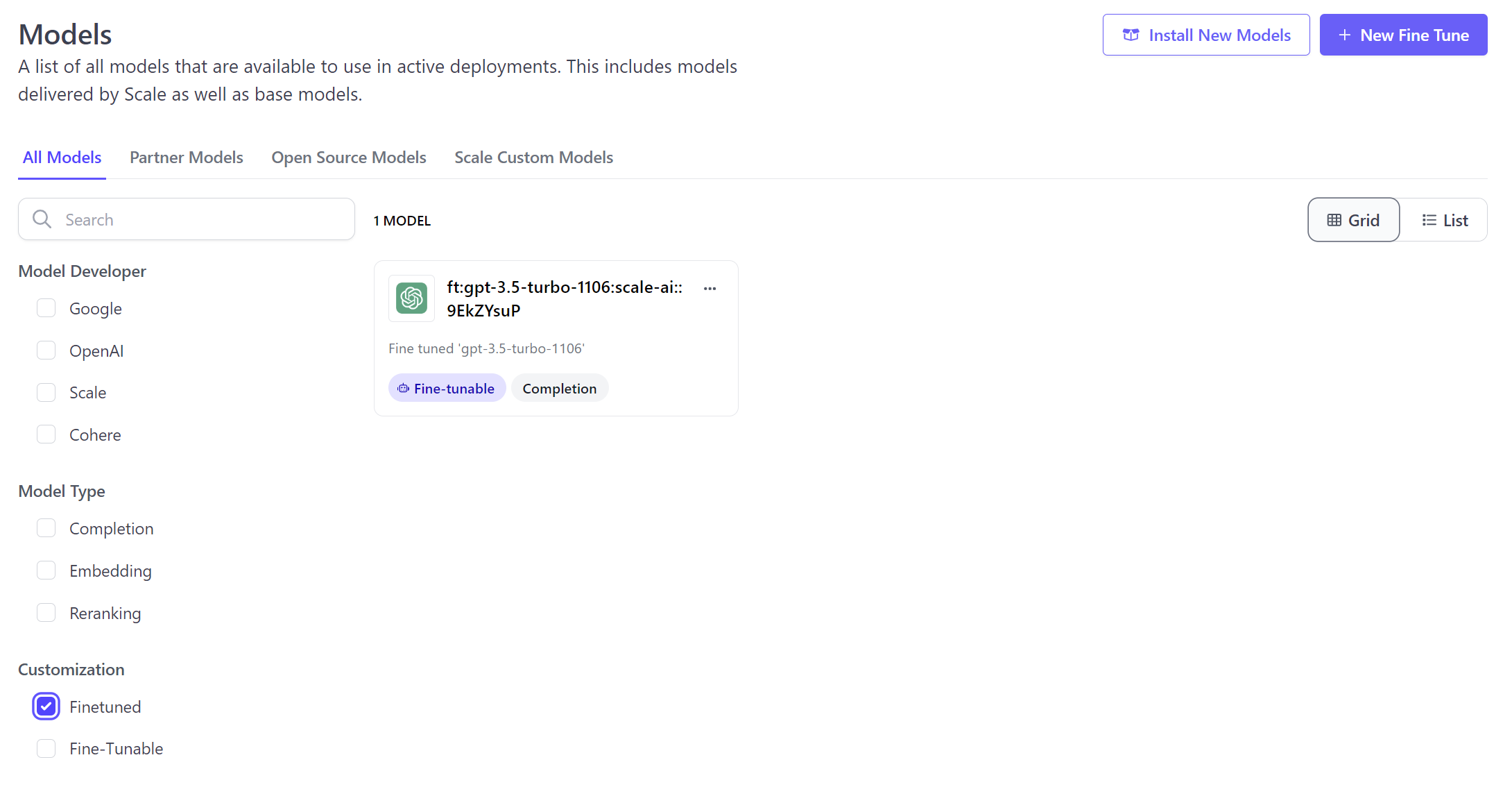
 After the fine tuning job is completed, the fine-tuned model will appear in "Models" with a prefix of "ft:" and is ready to be used by the completion API or as part of an SGP application.
 ## Using the API
You can also create new fine-tuning jobs directly using the SGP API, for details please refer to the [API Reference](/reference/fine-tuning-jobs-v3-beta/create-fine-tuning-job).
## Using the API
You can also create new fine-tuning jobs directly using the SGP API, for details please refer to the [API Reference](/reference/fine-tuning-jobs-v3-beta/create-fine-tuning-job).